


Solutions
For Exporters & Importers

For Freight Forwarders and Logistics Service Providers
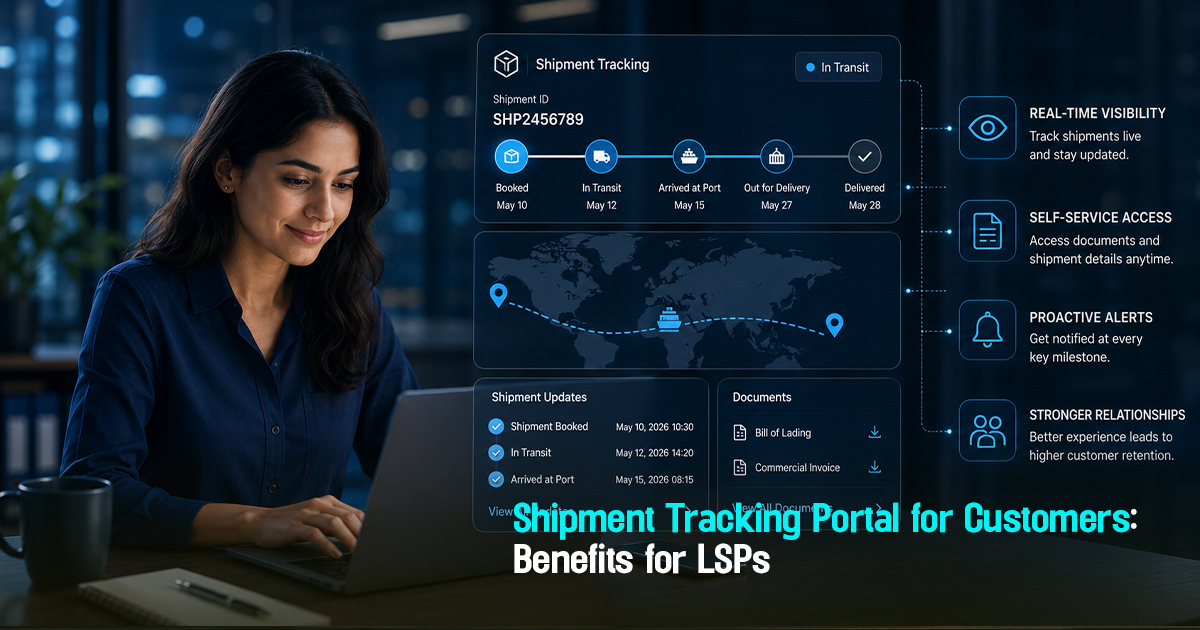
Shipment Tracking Portal for Customers: Benefits for LSPs


6 Minutes
A shipment tracking portal is a centralized digital platform that allows logistics service providers (LSPs) to offer real-time shipment visibility directly to their customers. Operationally, such portals are critical because they reduce manual follow-ups, enhance transparency, improve exception handling, and streamline communication workflows in freight operations. Without a structured customer-facing visibility platform, LSPs often face inefficient coordination, delayed exception resolution, and customer dissatisfaction. This article explores the practical benefits of shipment tracking portals for LSPs and outlines workflows, role-specific actions, and common pitfalls to help logistics teams implement and optimize these tools.
What Is a Shipment Tracking Portal and Why Does It Matter?
A shipment tracking portal is a web-based interface where customers—importers, exporters, or freight recipients—can monitor shipment status, milestones, ETAs, and exceptions in near real-time. It bridges the gap between internal shipment visibility systems and customer communication by providing controlled, accurate updates without manual intervention. This reduces repeated customer inquiries and increases operational clarity.
Operationally, it matters because freight operations rely heavily on timely and accurate information flows. Manual communication via email or calls can cause delays, increase follow-ups, and create customer dissatisfaction. A shipment tracking portal helps LSPs maintain centralized operational control over visibility, exception handling, and customer updates, thereby improving service quality and lowering operational costs.

A Practical Workflow Framework for Shipment Tracking Portals
Implementing a shipment tracking portal involves structured workflows to connect operational data with customer communication. The following framework outlines key workflow stages each LSP should consider.
These steps emphasize centralized tracking, exception ownership, and transparent updates, which are essential for operational clarity and customer trust.
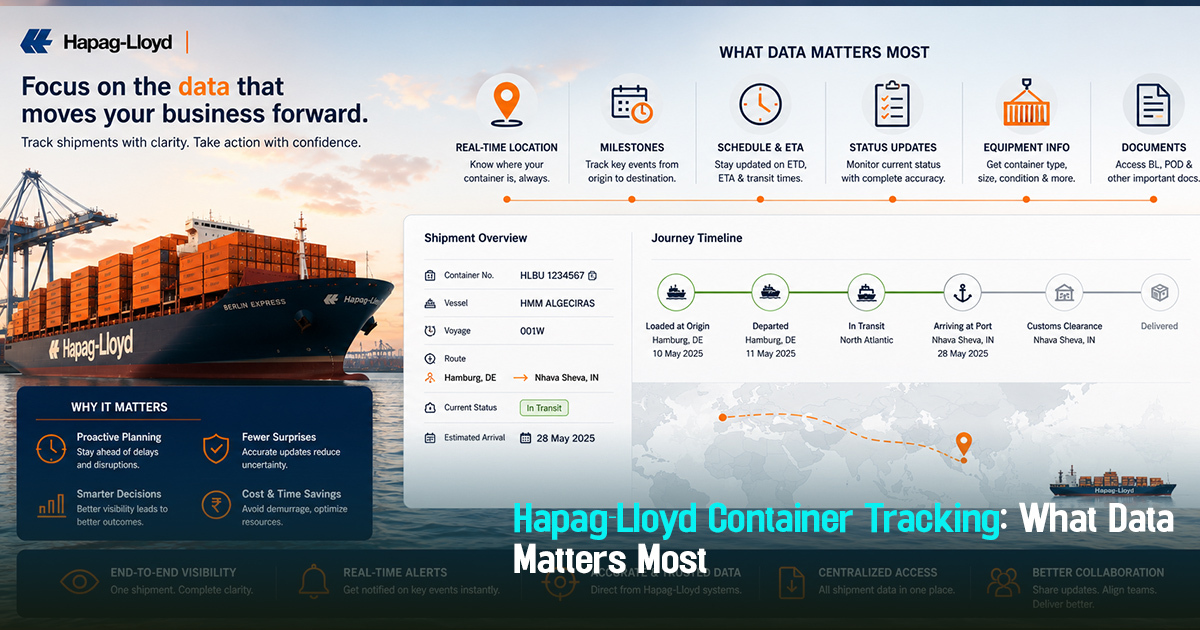
- Data Integration: Consolidate shipment data from carriers, booking systems, and internal TMS into a centralized platform.
- Milestone Tracking: Define and monitor shipment milestones such as pickup, departure, transshipment, ETA updates, customs clearance, and delivery.
- Exception Detection and Ownership: Automatically flag deviation events like delays or missed milestones and assign responsible users to manage exceptions.
- Controlled Customer Access: Provide customers with secured, role-based access to shipment status, allowing self-service visibility without manual updates.
- Automated Customer Notifications: Generate proactive shipment alerts for key events and exceptions to reduce inbound queries and improve transparency.
- Documentation Handoff: Enable managed sharing of proof of delivery (POD), bills of lading, and customs documents directly through the portal for auditability.
- Feedback and Escalation: Offer customers a way to flag issues or escalate concerns within the portal for faster resolution and documentation of communication.
Role-Wise Guidance for Using Shipment Tracking Portals
Each stakeholder in freight operations interacts differently with shipment tracking portals. Understanding these roles ensures targeted visibility and responsibility.
Here’s how key roles benefit and contribute operationally in portal workflows.
- Freight Forwarders/LSPs: Maintain data integration, milestone tracking, exception ownership, and customer communication workflows through the portal. Track carrier updates and ensure timely documentation uploads.
- Importers/Exporters: Use the portal for self-service tracking, proactive exception alerts, and direct access to shipment documentation. They monitor ETA/ETD changes closely to plan inventory and sales activities.
- Operations Teams: Monitor portal dashboards daily to identify delayed milestones or missing documents. Manage exception closure and coordinate carrier follow-ups systematically through portal alerts.
- Procurement Teams: Although indirect users, they benefit from improved visibility when reviewing vendor performance and shipment status before approving payments. Access performance reports generated from portal data.
- Documentation Teams: Handle document validation, upload, and controlled sharing with customers through the portal. Ensure customs compliance checkpoints are visible and documented to avoid clearance delays.
Before, During, and After Shipment: Stage-Wise Portal Implementation
Implementing a shipment tracking portal requires addressing different operational needs at every shipment stage. This breakdown helps teams focus on key tasks while maintaining continuous visibility.
Structured stage-wise visibility improves milestone tracking and exception response timing.
- Before Shipment: Validate booking details, expected carrier milestones, and required documentation. Set portal access for customers and schedule initial shipment notifications.
- During Transit: Track ETD/ETA updates, carrier event milestones, and detect exceptions early. Assign ownership for each shipment to respond to delays or deviations promptly through portal workflows.
- After Arrival: Facilitate final document handoffs, proof of delivery uploads, and confirm delivery milestones. Send closure notifications to customers and collect feedback or disputes via the portal.
Concrete Examples of Shipment Tracking Portal Benefits
Shipment tracking portals offer tangible benefits proven in real logistics operations.
Here are three practical examples illustrating operational improvements from portal deployment.
- Reduced Customer Follow-Up Volume: A freight forwarder integrated a portal and saw a 40% drop in customer inquiry emails due to automated status updates and self-service tracking. Operations teams could focus on exception handling rather than repetitive status checks.
- Detention Risk Controlled: An importer used the portal’s proactive ETA change alerts to prepare customs clearance faster, avoiding demurrage charges. Early visibility of transshipment delays allowed contingency planning.
- Improved Documentation Compliance: A logistics company digitized document uploads and sharing through the portal, reducing customs clearance delays by 25% and enabling faster customer invoice resolution with POD evidence readily available.
Centralized shipment visibility with exception-first workflows enhances control and reduces customer follow-ups.
Practical checklist
To ensure effective use of a shipment tracking portal, verify adherence to the following practical checks.
This checklist helps logistics teams avoid visibility gaps and enhance customer satisfaction.
- Is shipment data from all relevant carriers and systems integrated in a single platform?
- Are shipment milestones clearly defined and tracked, including ETD, ETA, transshipment, and customs clearance?
- Are exceptions flagged automatically with assigned owners for timely resolution?
- Is customer access secured and role-based, avoiding information overload?
- Are customers receiving automated notifications for key events and exceptions?
- Is documentation such as POD and bills of lading uploaded and available for customers promptly?
- Are carrier updates reconciled daily to avoid visibility errors?
- Is exception resolution status visible to customers with clear expected timelines?
- Are escalation workflows embedded in the portal for unresolved customer issues?
- Are performance reports generated from portal data to review vendor and operational KPIs?
Common mistakes
Many logistics teams struggle with shipment tracking portals due to recurring mistakes. Addressing these can improve effectiveness greatly.
Understanding causes and fixes helps teams refine visibility workflows and reduce operational friction.
- Mistake: Portal data is incomplete or delayed due to poor carrier integration.
Impact: Customers receive outdated or inconsistent shipment status, causing frustration and manual follow-ups.
Fix: Prioritize automated API integration with carriers and schedule frequent syncs to ensure fresh data. - Mistake: Excessive notifications overwhelm customers.
Impact: Customers ignore alerts, missing critical exception updates.
Fix: Use milestone-based, exception-triggered alerts rather than sending all status updates indiscriminately. - Mistake: No clear ownership for exception handling.
Impact: Delays in issue resolution, escalating customer dissatisfaction.
Fix: Assign responsibility within portal workflows, with automatic reminders and escalation triggers. - Mistake: Documentation uploads delayed or missing.
Impact: Customs clearance delays and invoice disputes.
Fix: Implement strict documentation handoff checkpoints integrated with shipment milestones and customer portal access. - Mistake: Customer access permissions not managed properly.
Impact: Sensitive data exposure or customer confusion with irrelevant information.
Fix: Apply role-based access control to show relevant shipment details per user type.
A Frayto-Aligned Shipment Tracking Portal Workflow
Frayto’s approach to shipment tracking portals focuses on visibility-centric freight management, exception-first operations, and centralized control.
This workflow ensures operational clarity and improves customer communication through structured automation.
- Central Data Aggregation: Import shipment status and carrier milestones from multiple sources into a unified platform.
- Milestone Monitoring and ETA/ETD Updates: Continuously track shipment progress and update estimates as conditions change.
- Exception Management: Detect deviations early and assign them for resolution, minimizing reactive firefighting.
- Customer Portal Access and Notification: Offer customers secure visibility and trigger automated alerts on key events and exceptions.
- Documentation Control: Share validated documents digitally within the portal to avoid manual email exchanges.
- Performance Analytics and Feedback: Use portal insights for review and continuous improvement in vendor and operational performance.
FAQ
Get in Touch!
We'll reach out shortly with the info you need. No spam, just a helpful conversation.
Freightstory Technologies Private Limited
A-209, Dynasty Business Park, JB Nagar,
Andheri East, Mumbai- 400059, India


For Exporters & Importers
For Freight Forwarders
© 2026 Frayto. All Rights Reserved.