


Solutions
For Exporters & Importers

For Freight Forwarders and Logistics Service Providers
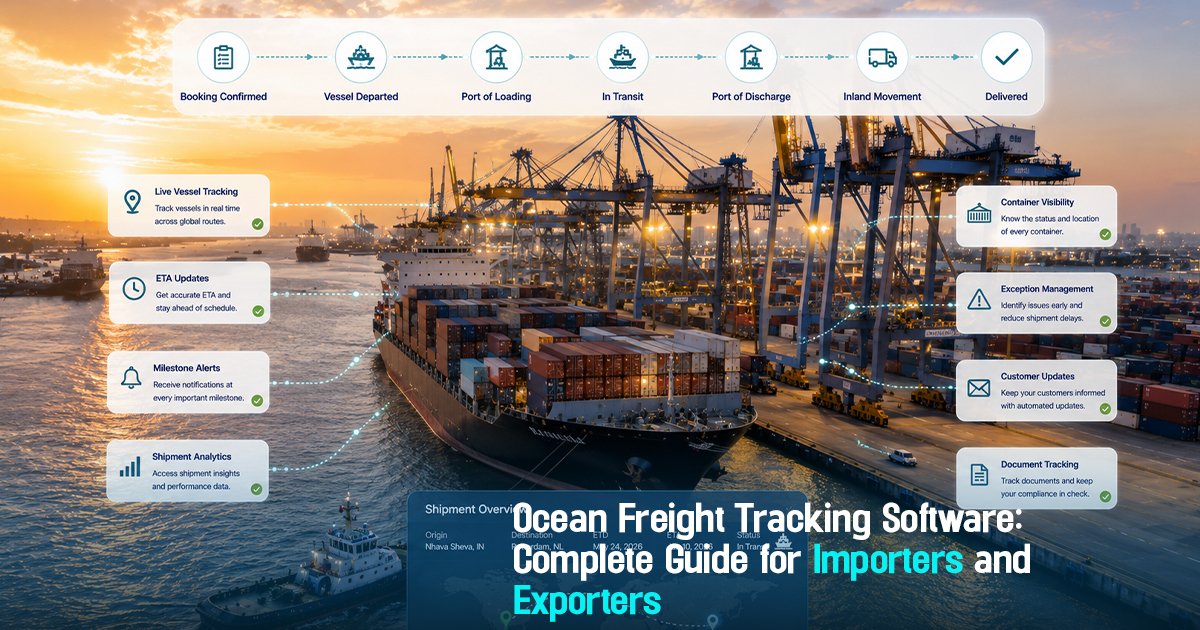
Ocean Freight Tracking Software: Complete Guide for Importers and Exporters


6 Minutes
Ocean freight tracking software is a specialized technology designed to provide centralized visibility into cargo movement across global ocean shipments. For importers and exporters, this software is vital to manage multiple stakeholders, track milestones, monitor ETAs and ETDs, handle exceptions promptly, and maintain clear communication throughout the shipment lifecycle. Operationally, the lack of such software leads to fragmented tracking, missed shipment updates, increased detention/demurrage risk, and reactive crisis management. This guide explains how importers and exporters can harness ocean freight tracking software effectively with practical workflows, role-specific guidance, and common pitfalls to avoid.
What is Ocean Freight Tracking Software and Why It Matters
Ocean freight tracking software refers to digital platforms that consolidate shipment data from carriers, ports, and logistics providers to offer real-time and milestone tracking for containerized ocean shipments. This software supports enhanced operational clarity and centralized control over multiple carriers and shipments.
For importers and exporters, effective use of such software reduces blind spots in shipment timelines, ensures timely exception handling, helps monitor estimated times of departure (ETD) and arrival (ETA), and improves coordination between freight forwarders, carriers, and customs. It directly impacts cost control by preventing detention and demurrage and fosters better customer communication with timely updates.
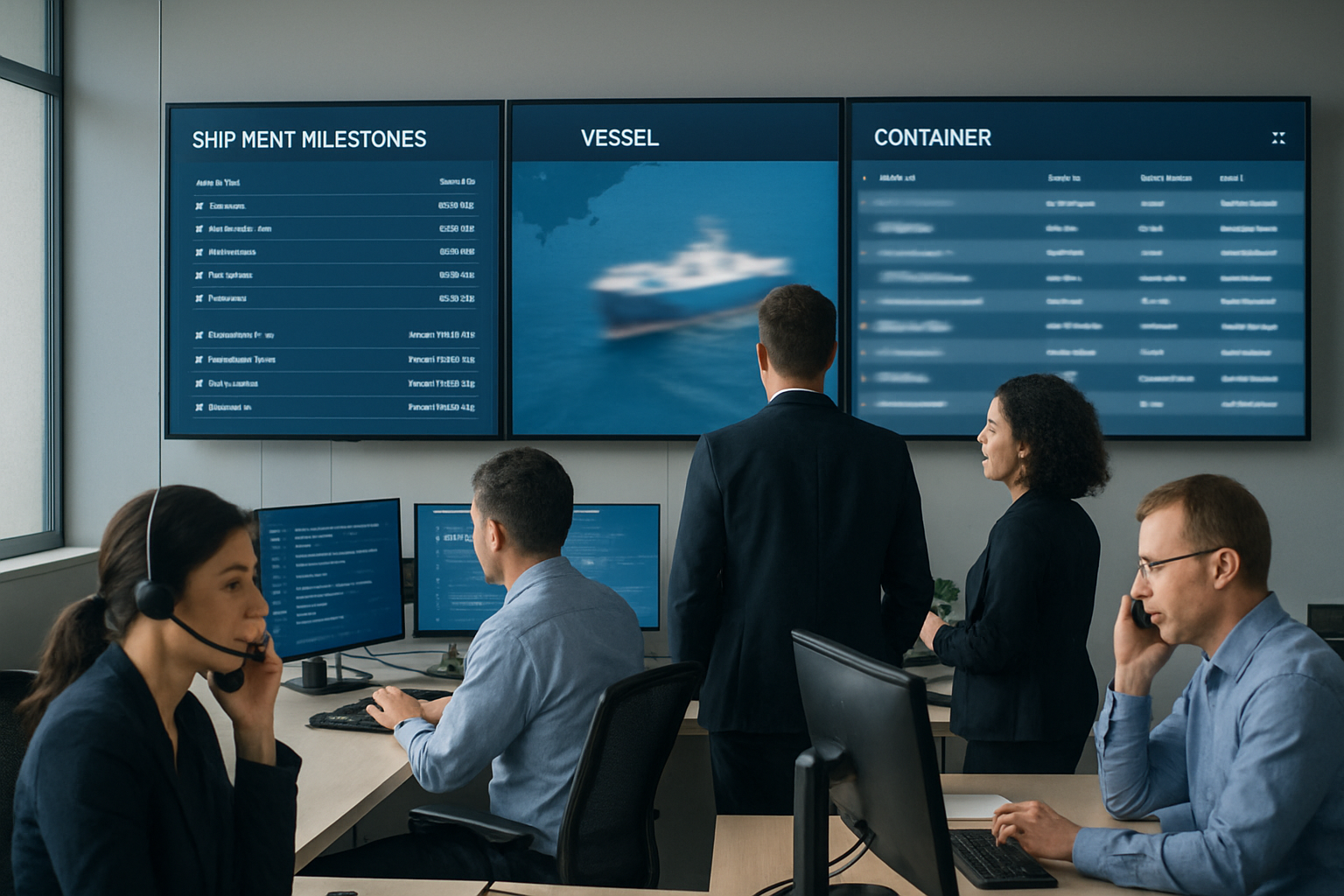
A Practical Workflow for Ocean Freight Shipment Visibility
A structured workflow ensures smooth operation when using ocean freight tracking software. It revolves around these key steps:
1. Booking Confirmation and Carrier Data Input: Importers or forwarders confirm the booking and enter shipment details into the system, including container numbers and carrier ETD/ETA.
2. Milestone Monitoring: Track each shipment milestone (e.g., container gate-in, vessel loading, departure, transshipment, unloading) for on-the-ground visibility.
3. ETA/ETD Updates and Exception Alerts: Monitor changes in ETAs and ETDs. Exceptions such as delays or port congestion trigger automated alerts.
4. Exception Ownership and Resolution: Assign owners to exceptions for root cause analysis and timely resolution within the platform.
5. Documentation Hand-offs and Compliance Checks: Coordinate documentation workflows with customs and ports, ensuring all clearance documents are validated and uploaded.
6. Customer Communication: Provide proactive shipment updates tailored to customer requirements, improving transparency and reducing escalations.
7. Delivery Confirmation and Audit: Confirm final delivery milestones and close shipment records to enable retrospective analysis and audit readiness.
Role-wise Ocean Freight Tracking Responsibilities
Freight Forwarders: Coordinate carrier data input, monitor shipment milestones across multiple carriers, and assign exception ownership promptly. They must ensure the shipment tracking software is updated daily to reflect the latest information.
Importers/Exporters: Monitor ETD/ETA updates and request timely shipment status reports. They must actively check for exceptions and plan customs clearance and warehouse readiness accordingly.
Operations Teams: Track exception alerts in real time, investigate delays or deviations, and coordinate rapid issue resolution across carriers, ports, and customs. They must manage documentation workflows linked to shipments within the software.
Procurement Teams: Validate vendor carrier commitments against shipment timelines and evaluate performance based on tracking data. Ensure the approved freight rates align with observed transit times and service quality.
Documentation and Customer Service Teams: Validate submission and receipt of key documents (e.g., bills of lading, customs forms) and proactively communicate shipment exceptions and ETAs to customers, maintaining trust and reducing inquiries.
Stage-wise Implementation Breakdown: Before, During, and After Shipment
Before Shipment: Confirm booking details, input container and carrier data into the tracking software, prepare necessary documents, and verify customs requirements to avoid delays. This stage stabilizes shipment readiness and aligns expectations.
During Shipment: Actively monitor voyage milestones, especially container gate events and vessel movements. Track real-time ETD/ETA changes and exceptions such as port congestions or carrier delays. Assign owners for exception management and maintain customer communication.
After Shipment: Confirm receipt of cargo, ensure documentation completion, close tracking records, and conduct performance reviews of carriers and vendors. Analyze shipment exceptions for future improvements and update procurement decisions accordingly.
Practical checklist
Use this checklist to enhance your ocean freight tracking workflow with actionable steps.
• Are all container IDs and carrier details entered into the centralized tracking system upon booking?
• Is ETD and ETA monitored continuously for changes with automated alerts configured?
• Are key shipment milestones (gate-in, vessel loading, departure, transshipment, arrival) updated daily?
• Are exception events flagged immediately, and ownership assigned for resolution?
• Is documentation status tracked alongside shipment milestones to anticipate customs clearance delays?
• Are customer communication workflows aligned with shipment status updates and exception alerts?
• Are detention and demurrage risk indicators monitored through shipment visibility tools?
• Are vendor or carrier performance reviews regularly conducted based on shipment tracking data?
• Is there a formal audit trail for shipment event logging and communication history to support compliance?
Centralized shipment visibility transforms freight operations from reactive to proactive control.
Common mistakes
1. Fragmented Tracking Across Multiple Portals: Relying on separate carrier or port portals causes delays in consolidating data and misses holistic visibility. Fix: Use centralized tracking software that aggregates data to provide one source of truth, reducing manual follow-ups.
2. Ignoring Exception Alerts or Late Ownership Assignment: Delays escalate if exceptions like missed ETAs or port congestion are not promptly owned. Fix: Implement exception-first workflows where alerts immediately assign accountable owners to resolve issues quickly.
3. Lacking Documentation Synchronization: Shipment milestones often advance while documentation lags, causing customs clearance delays. Fix: Integrate document tracking within the shipment visibility platform and flag discrepancies early.
4. Poor Customer Communication on Delays: Customers escalate when shipment updates lack timely and clear explanations. Fix: Establish proactive customer updates aligned with ETA changes and exception resolutions to build trust.
5. No Detention and Demurrage Risk Monitoring: Overlooking potential container detention fees due to poor visibility affects cost control. Fix: Use tracking tools that include detention risk signals and enforce early intervention.
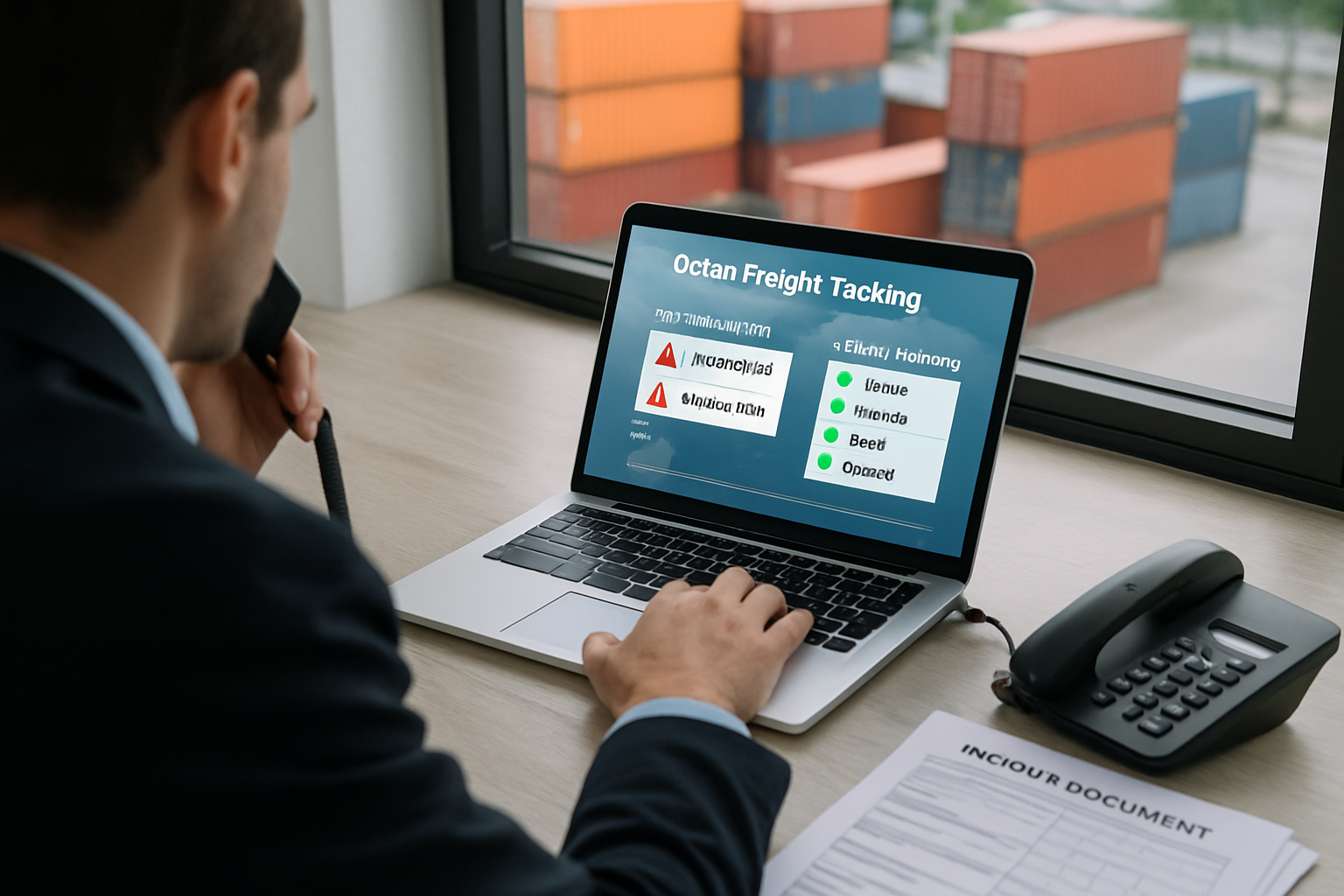
Frayto-Aligned Workflow for Ocean Freight Tracking
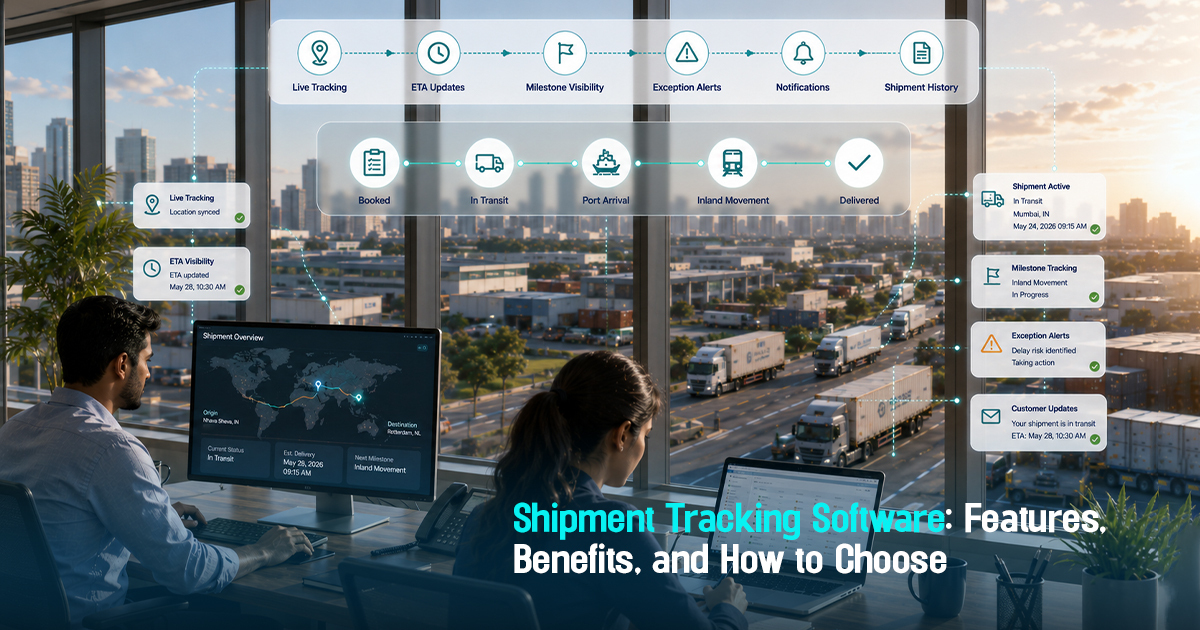
Frayto’s approach to ocean freight tracking prioritizes a centralized shipment visibility workflow: Booking → Milestone Tracking → Exception Handling → Documentation Coordination → Customer Updates → Delivery Confirmation.
This workflow ensures consistent ETD/ETA monitoring with automated milestone updates from carriers. Exceptions are assigned ownership to avoid follow-up delays. Documentation flows are integrated for customs readiness, while customer communication remains transparent and timely throughout. Final delivery confirmation closes the shipment loop ready for operational review.
Real-World Examples of Ocean Freight Tracking Impact
Example 1: An importer missed updated ETAs after a vessel delay, causing warehouse downtime and detention fees. Centralized tracking with alerting could have triggered proactive re-planning.
Example 2: A freight forwarder handling multiple carriers faced data silos in disparate portals; switching to a unified cargo tracking software reduced follow-up emails by 40%.
Example 3: An exporter improved customs clearance by integrating documentation status within shipment tracking, enabling timely submissions and avoiding clearance delays.
How to Choose Ocean Freight Tracking Software: Key Features
Carrier Integration: Ability to aggregate data from multiple carrier systems and port authorities for comprehensive visibility.
Milestone Updates: Automated tracking of standardized shipment milestones such as gate events, vessel movements, and customs checkpoints.
Exception Management: Real-time alerts for deviations, with tools to assign exception owners and record root causes.
ETA/ETD Monitoring: Continuous updating of estimated times with risk indications to safeguard execution timelines.
Documentation Coordination: Support for document status tracking and handoff alerts linked to shipment progress.
Customer Communication: Automated status updates and exception notifications to reduce inbound inquiries and build trust.
Audit Trails: Comprehensive logging of shipment events and decision points to support compliance and post-shipment review.
Get in Touch!
We'll reach out shortly with the info you need. No spam, just a helpful conversation.
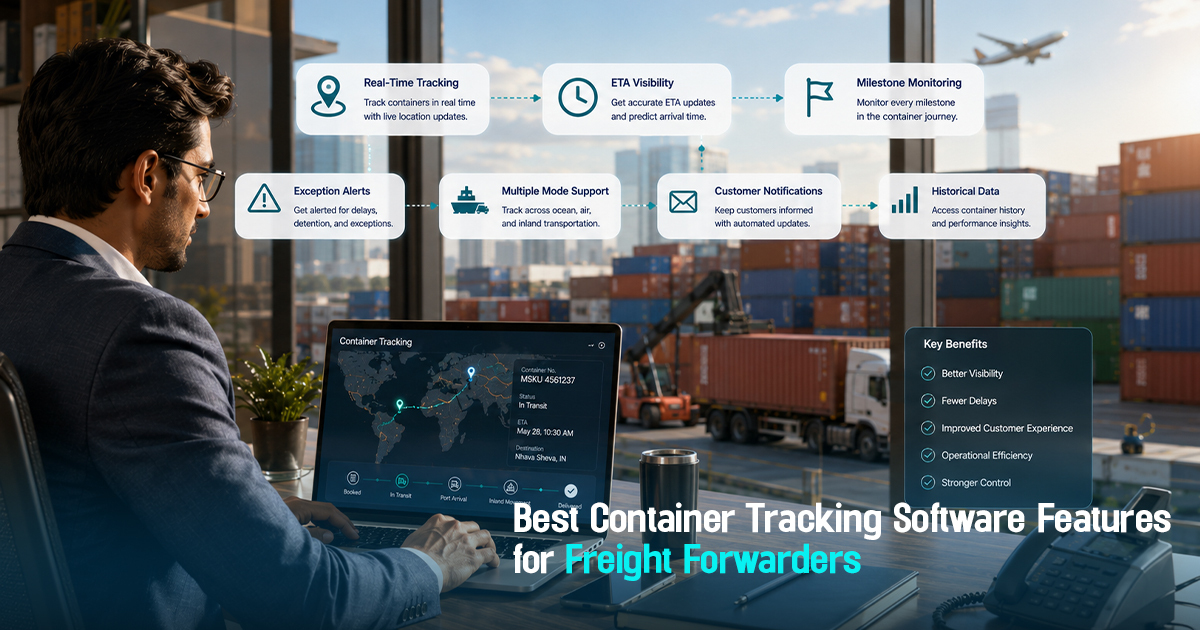

Freightstory Technologies Private Limited
A-209, Dynasty Business Park, JB Nagar,
Andheri East, Mumbai- 400059, India


For Exporters & Importers
For Freight Forwarders
© 2026 Frayto. All Rights Reserved.