


Solutions
For Exporters & Importers

For Freight Forwarders and Logistics Service Providers
ERP Integration for Shipment Tracking: What Logistics Teams Need


7 Minutes
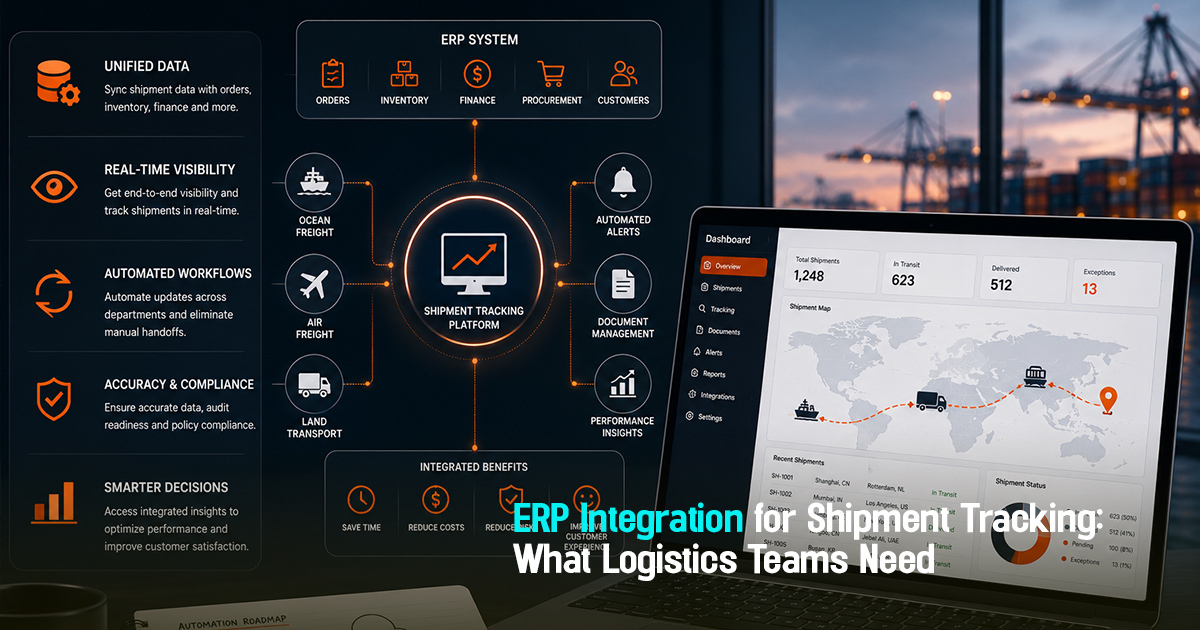
ERP integration for shipment tracking refers to connecting enterprise resource planning systems directly with shipment tracking software to provide real-time shipment visibility and centralized operational control. This integration matters operationally because it breaks down information silos, reduces manual tracking errors, and enables logistics teams to anticipate delays and manage exceptions proactively. Without this structured link, logistics teams face fragmented data, delayed updates, and inefficient communication, resulting in increased detention risks and lost customer trust. This article explains the practical workflows, role-specific focus areas, and implementation steps logistics teams need to harness ERP-shipment tracking integration effectively.
What is ERP Integration for Shipment Tracking?
ERP integration for shipment tracking means embedding shipment status and milestone data directly into the ERP system used by logistics operations. This consolidated view connects internal planning with real-time execution, ensuring updates on ETD, ETA, exceptions, and document flow are instant and visible across all teams.
Operationally, this integration shifts freight management from reactive to proactive, reducing manual follow-ups, duplication of data entry, and response delays. It also improves auditability and compliance by linking shipment events directly with procurement and finance in one system, lowering missed exception signals and freight delays.
A Practical Workflow Framework for ERP and Shipment Tracking Integration
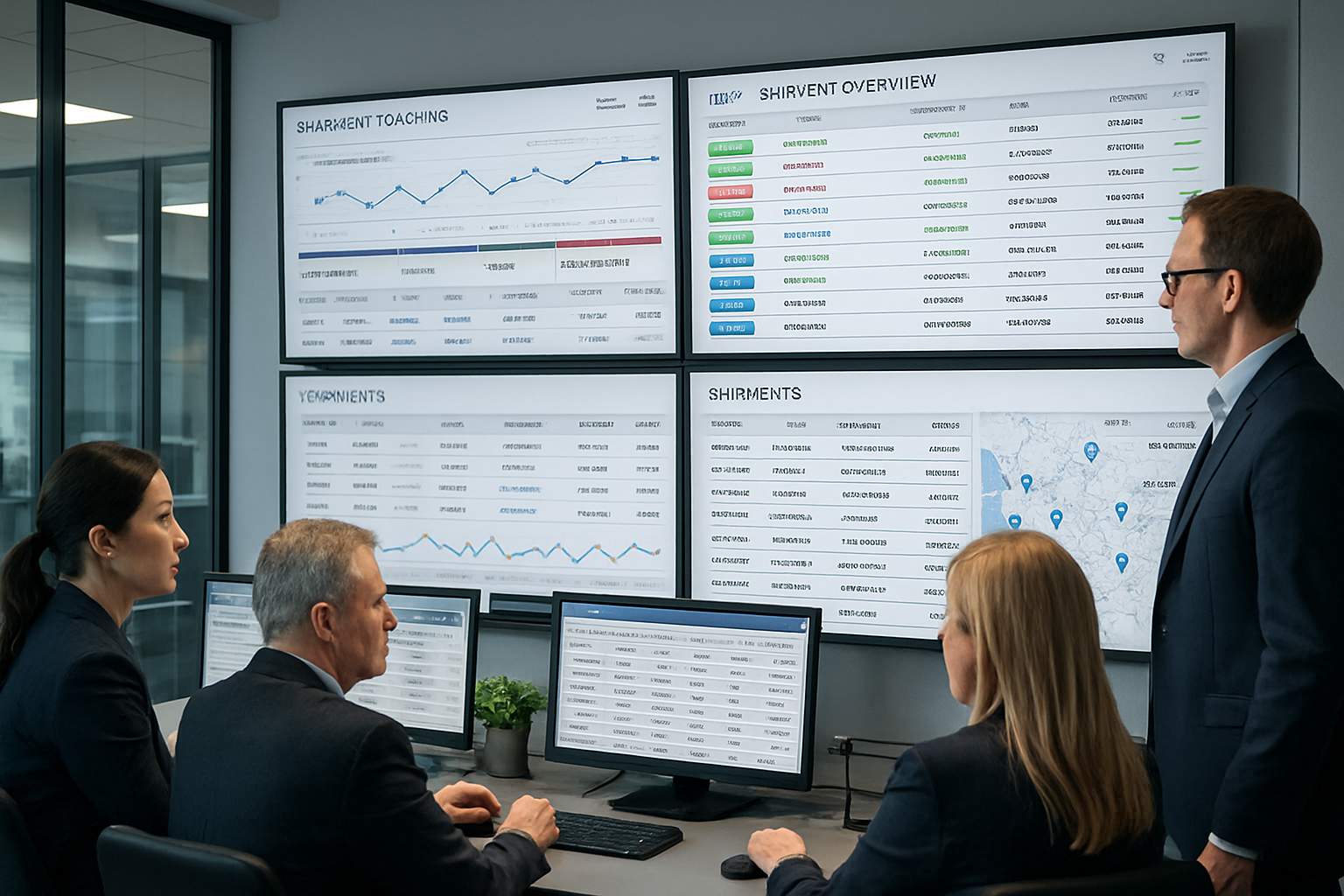
Integrating ERP with shipment tracking succeeds through a structured workflow linking procurement, execution, and exception management. The key steps include:
1. Booking Confirmation to ERP: Once freight procurement teams finalize bookings, key shipment details (container numbers, ETD/ETA, carrier info) are entered into ERP, initiating tracking workflows.
2. Automated Data Sync: Shipment tracking software feeds real-time milestone updates (departure, transshipment, arrival) automatically into ERP, eliminating manual checks.
3. Exception Identification: ERP flags deviations from expected milestones or ETA changes, highlighting shipments needing operational attention.
4. Carrier Coordination & Document Handoff: Operations teams use ERP to assign owners for exception follow-ups and ensure proper documentation flows to customs or customer teams.
5. Customer Updates & Communication: Automated shipment status updates drawn from ERP ensure customers receive timely, consistent information linked to actual operations.
6. Post-Delivery Audit and Feedback Loop: After delivery, ERP captures operational performance, exception resolution times, and cost impacts for review and procurement feedback.
This workflow supports clear ownership, centralized visibility, and operational discipline essential to leveraging ERP integration for shipment tracking.
Role-Wise Responsibilities in ERP-Enabled Shipment Tracking
Effective ERP integration touches multiple roles in logistics teams, each requiring clear focus areas.
Freight Forwarders: Ensure timely submission of booking details and container information into the ERP to trigger workflow start. They coordinate with carriers to validate milestone updates and document handoffs, closing exceptions promptly.
Importers/Exporters: Monitor shipment ETD/ETA changes via customer portals linked to ERP and communicate expected delivery schedules internally. They also flag discrepancies or missing documents early to operations teams.
Operations Teams: Track shipment milestones daily within ERP dashboards, assign exception owners, and ensure delivery planning aligns with updated shipment statuses and documentation timelines.
Procurement Teams: Use consolidated ERP data to cross-check agreed rates against actual shipment delivery, evaluate carrier performance based on timely updates, and support audit trails for invoice verification.
Documentation Teams: Validate arrival and customs clearance documents integrated from ERP workflows and ensure all compliance checkpoints pass before final delivery notifications are issued.
Before, During, and After Shipment: Stage-Wise Integration Breakdown
Before Shipment: Booking data including negotiated rates, carrier info, container numbers, ETD, and ETA must be captured accurately in ERP to initiate tracking. This step prevents data gaps that cause tracking blind spots.
During Shipment: Real-time milestone events such as loading, departure, transshipment, and arrival are automatically synchronized to ERP. Any ETD/ETA deviations or exceptions (weather delays, customs hold) trigger alerts and assign tasks within ERP.
After Shipment: Delivery confirmation, document receipt, and exception closures are logged in ERP for auditability. Data is reviewed to identify root causes for delays and inform future procurement or operational improvements.
Practical checklist
Use this checklist to ensure ERP integration effectively supports shipment tracking:
1. Have all booking-related details been entered into ERP immediately after procurement approval?
2. Is real-time tracking data from carriers automatically syncing into ERP without manual intervention?
3. Are ETD and ETA changes highlighted promptly within ERP dashboards for operational follow-up?
4. Are exception alerts assigned to specific owners with defined resolution timelines?
5. Is the documentation handoff integrated within ERP to avoid customs clearance delays?
6. Are customer communication templates linked to ERP shipment statuses for automated updates?
7. Does procurement review shipment delivery performance and exceptions using ERP data regularly?
8. Are detention and demurrage risk alerts integrated in ERP based on real-time location and ETA deviation?
9. Is the post-shipment audit and feedback process structured to update carrier performance records within ERP?
10. Are all teams trained to use ERP dashboards for cross-departmental visibility and decision making?
Centralized ERP shipment tracking transforms reactive logistics into proactive, exception-first operations with full visibility.
Common mistakes
Mistake 1: Manual data entry causing delayed shipment updates. This results in late exception detection and reactive management. Fix: Automate carrier milestone feeds into ERP to enable instant visibility.
Mistake 2: Lack of clear exception ownership within the system. Delays occur because no one follows up timely on shipment issues. Fix: Assign exception tasks explicitly in ERP with deadlines and escalation paths.
Mistake 3: Disconnected documentation workflows causing customs delays. When document status is separate from shipment tracking, clearance delays rise. Fix: Integrate document validation and handoff checkpoints in the ERP shipment workflow.
Mistake 4: Customers receiving inconsistent or untimely shipment updates. This reduces trust and increases service escalations. Fix: Use ERP-generated automated notifications linked to real-time tracking data.
Mistake 5: Ignoring detention and demurrage risks due to poor ETA monitoring. Leads to avoidable cost leakage. Fix: Flag dwell time and shipment delays proactively in ERP dashboards for alerts and remedial actions.
Frayto-aligned workflow for ERP-Integrated Shipment Visibility
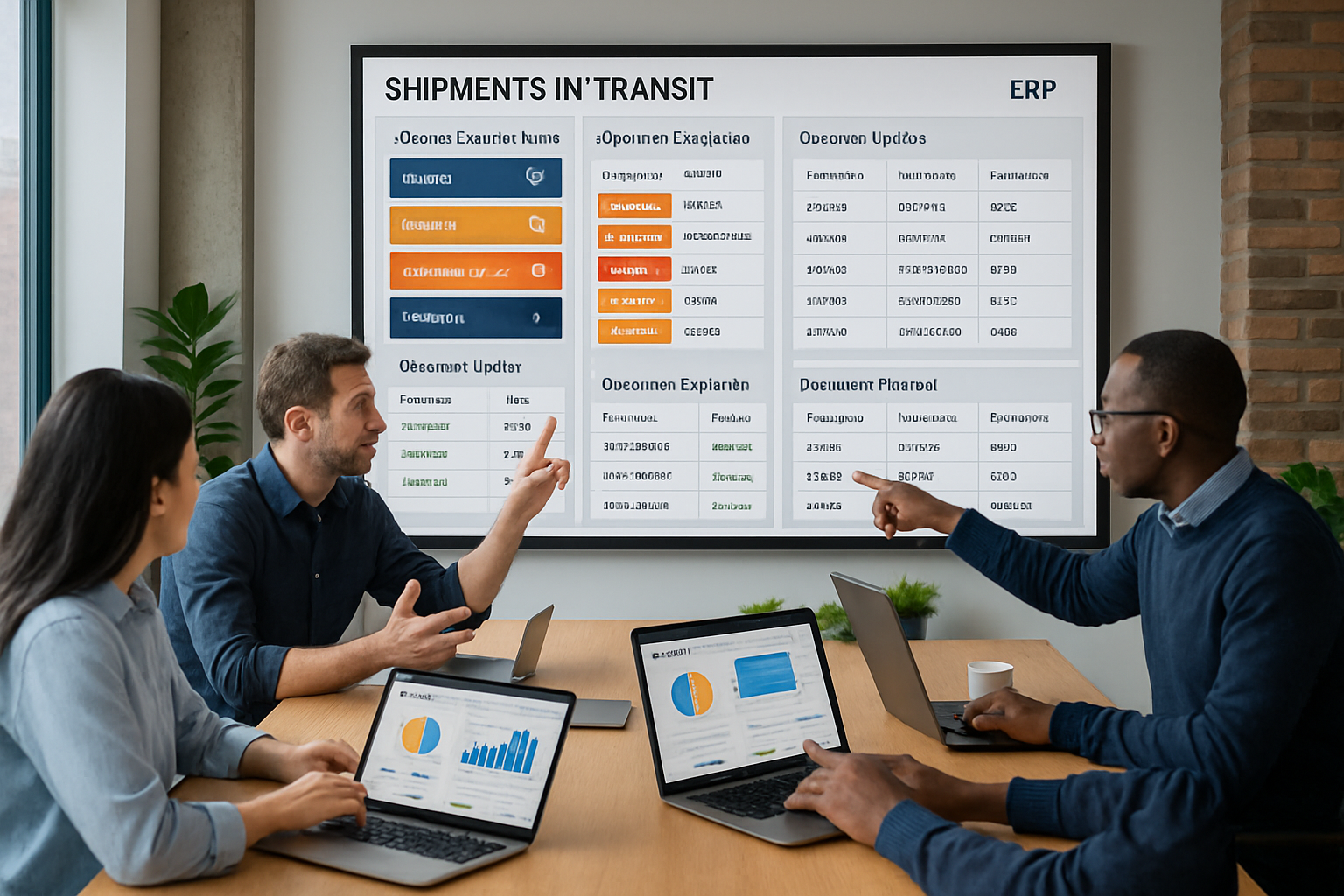
A typical Frayto-aligned workflow demonstrating ERP integration looks like this:
Rate Request → Booking Entry into ERP → Automated Shipment Milestone Sync → Exception Ownership Assignment in ERP → Customer Communication Automation → Document Validation and Handoff → Audit and Performance Review
This starts at procurement, linking rate approvals and booking data directly inside ERP. As shipments progress, automatic milestone updates synchronize in real-time, eliminating manual checks. Exceptions are flagged and assigned without delay, and customers receive automated updates based on this live data. Documentation workflows are tied to shipment events to prevent clearance delays. Finally, post-shipment data powers auditability and continuous improvement while maintaining operational clarity across teams.
Concrete Freight Operations Examples Using ERP Integration
Example 1: A freight forwarder noticed delayed updates causing late follow-ups on a critical ocean shipment. After integrating carrier tracking milestones directly into ERP, the team detected a port congestion exception 48 hours earlier, enabling them to re-route documents and avoid detention charges.
Example 2: An importer relied on manual Excel sheets causing gaps between expected and actual ETA. ERP integration with shipment tracking unified all updates, allowing their operations team to plan warehouse staffing accurately and prevent dwell-time penalties.
Example 3: A procurement manager used ERP shipment visibility data to compare contract rates against actual carrier performance, identifying frequent late deliveries and escalating contract reviews, thus controlling future cost leaks.
Why Freight Teams Struggle Without ERP Integration for Tracking
Many logistics teams rely on separate platforms for shipment tracking and ERP, causing fragmented data and manual reconciliation. This leads to late exception detection, duplicated communication efforts, and weak audit trails. Teams also face difficulty coordinating carrier follow-ups and document handoffs across systems, increasing risk of customs delays or demurrage. Without integration, customer communication often depends on manual status updates prone to errors, eroding service quality. ERP integration for shipment tracking removes these barriers by synchronizing data flows and centralizing operational control.
The resulting visibility gap increases operational costs and delays, reducing trust internally and externally. Structured integration, milestone tracking, and exception ownership combined in one platform enable freight teams to manage complex shipments efficiently rather than firefighting manually.
How Logistics Teams Can Implement ERP Integration Effectively
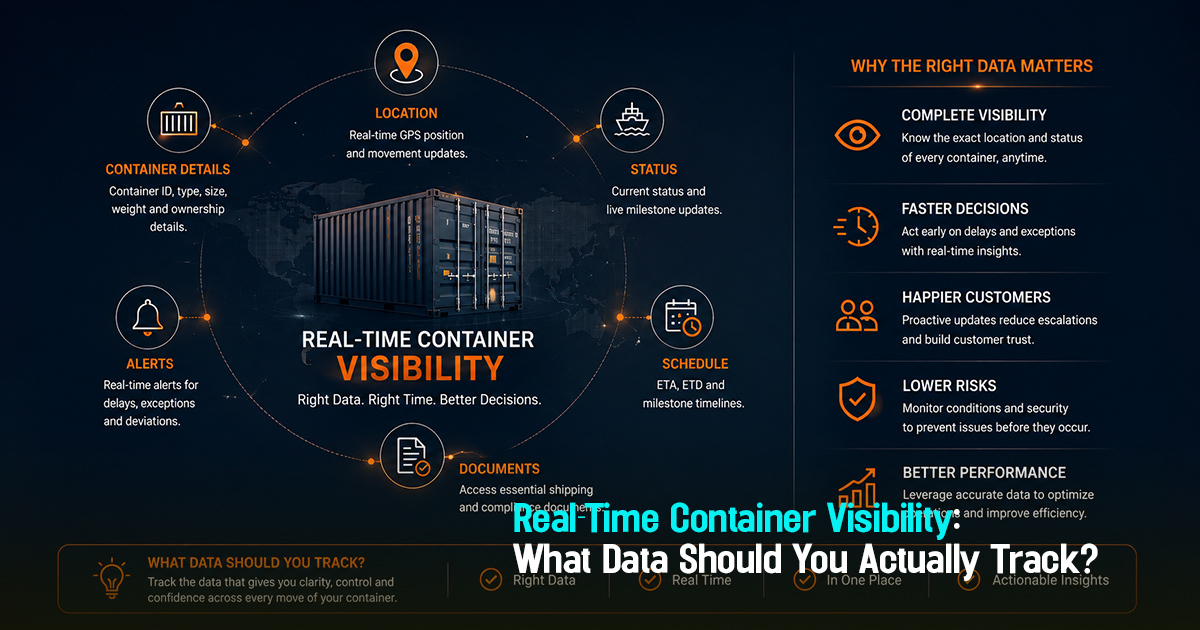
Step 1: Define data points and events needed in ERP for shipment tracking. This includes booking details, container numbers, milestone timestamps, ETD/ETA changes, and document status.
Step 2: Collaborate with IT and carriers to establish automated data feeds via APIs or EDI. Aim to reduce manual inputs and reconcile discrepancies at the source.
Step 3: Configure ERP dashboards to display key shipment milestones, exceptions, and document checkpoints. Ensure alerts and task assignments are clear and actionable.
Step 4: Train cross-functional teams on new workflows emphasizing exception-first management and timely customer communication. Reinforce the importance of updating shipment data promptly.
Step 5: Conduct regular reviews to refine data accuracy, process gaps, and carrier performance using integrated ERP-shipment tracking reports. Use these insights to improve procurement and operational decisions.
A phased implementation focused on usability ensures teams quickly gain visibility benefits and reduce operational inefficiencies inherent to disconnected systems.
Get in Touch!
We'll reach out shortly with the info you need. No spam, just a helpful conversation.
Recommended Blogs


For Exporters & Importers
For Freight Forwarders
© 2026 Frayto. All Rights Reserved.